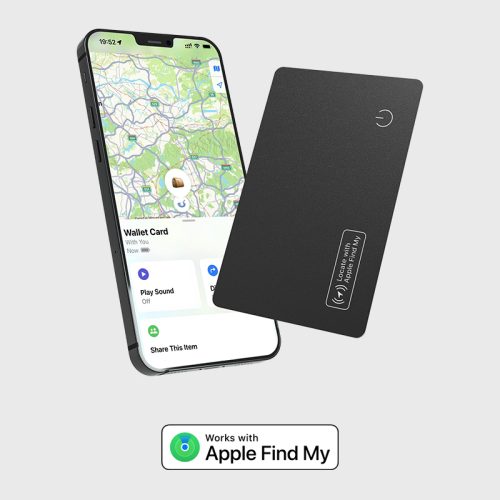
iOS Tag Manual
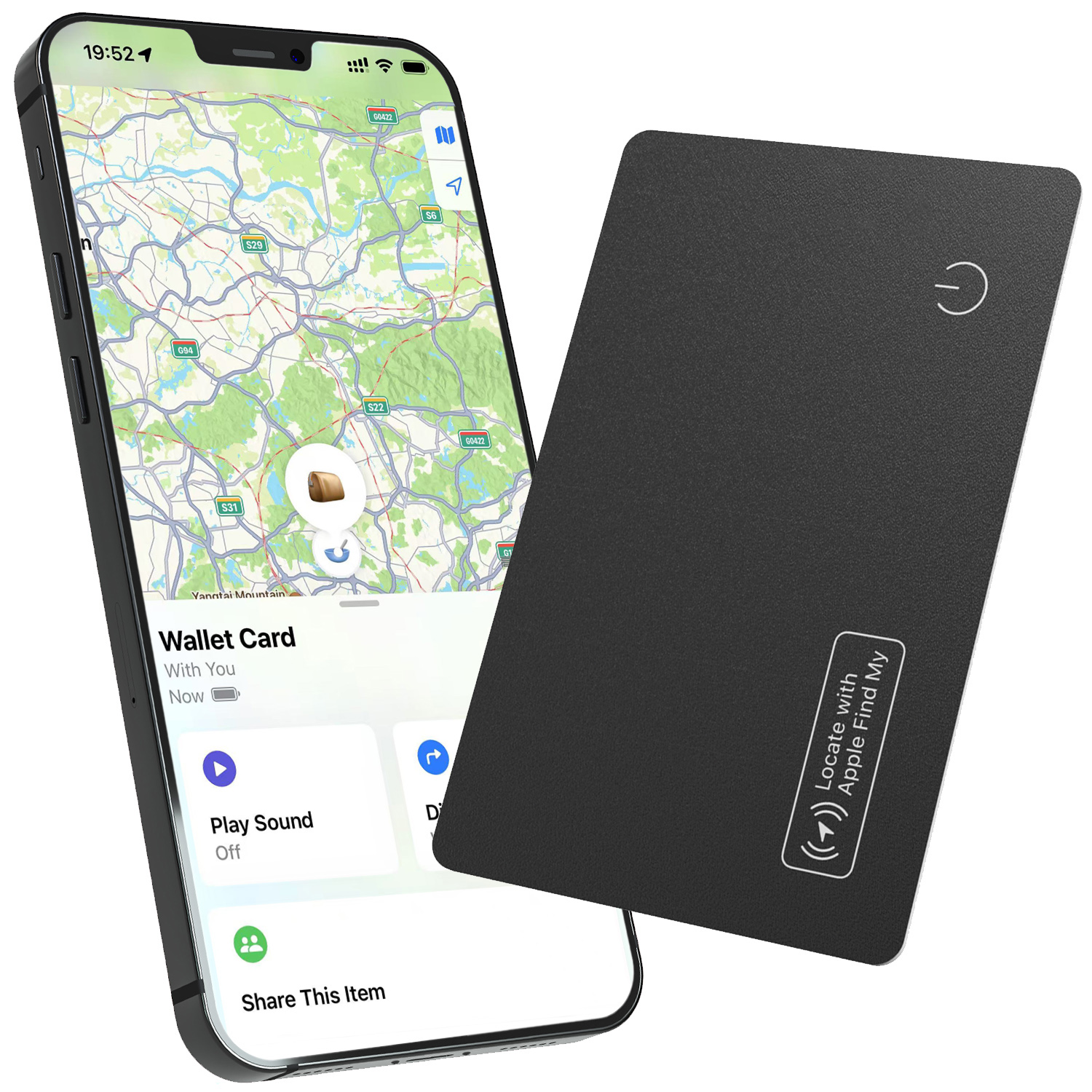
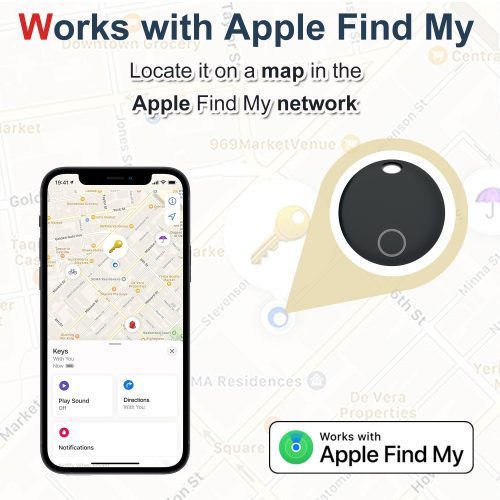
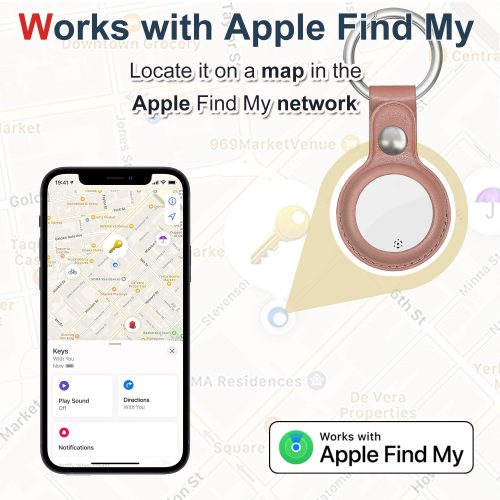
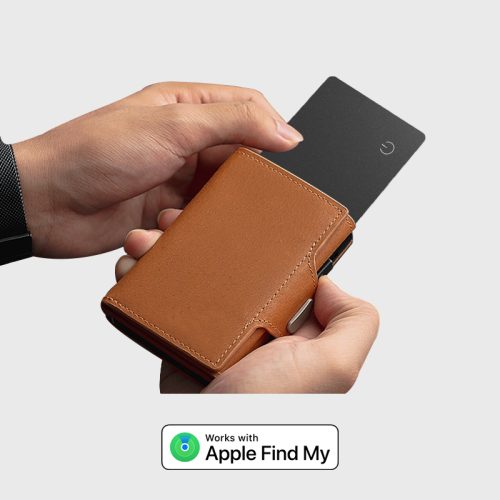
Follow these simple steps to connect your iOS Tag.
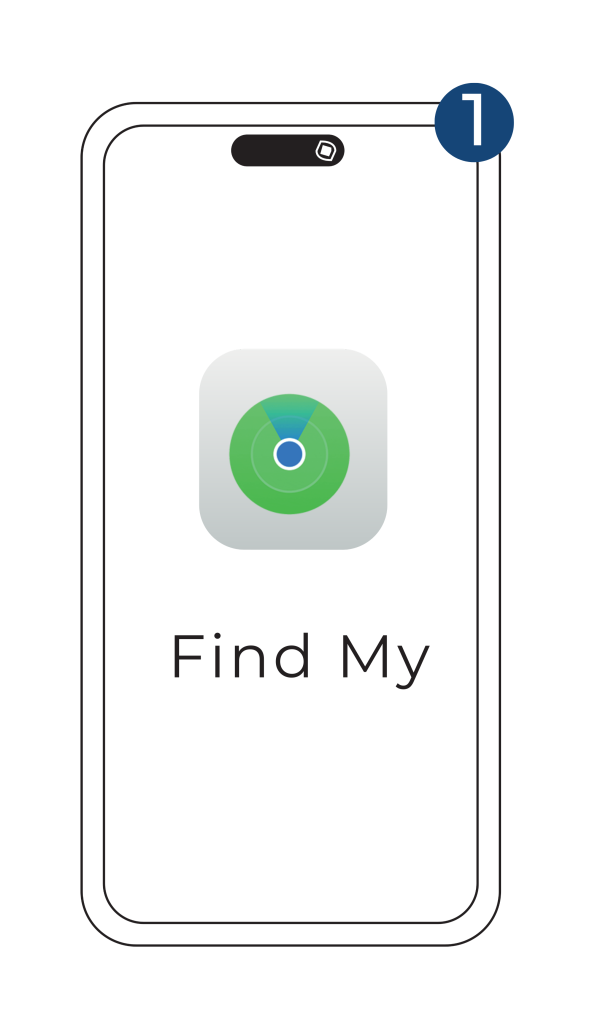
① Open 'Find My' APP
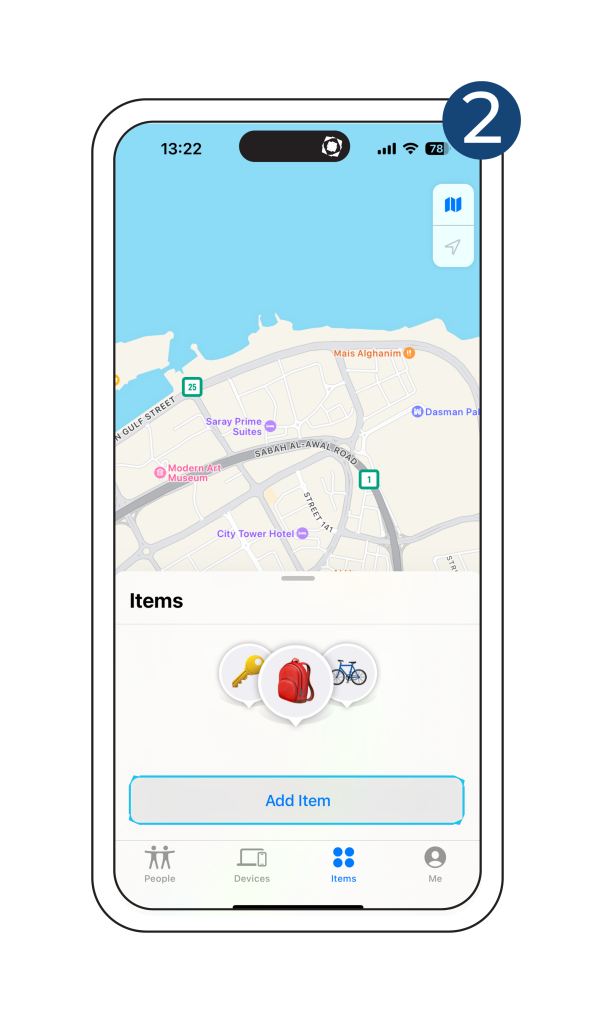
② Tap 'Add Item'
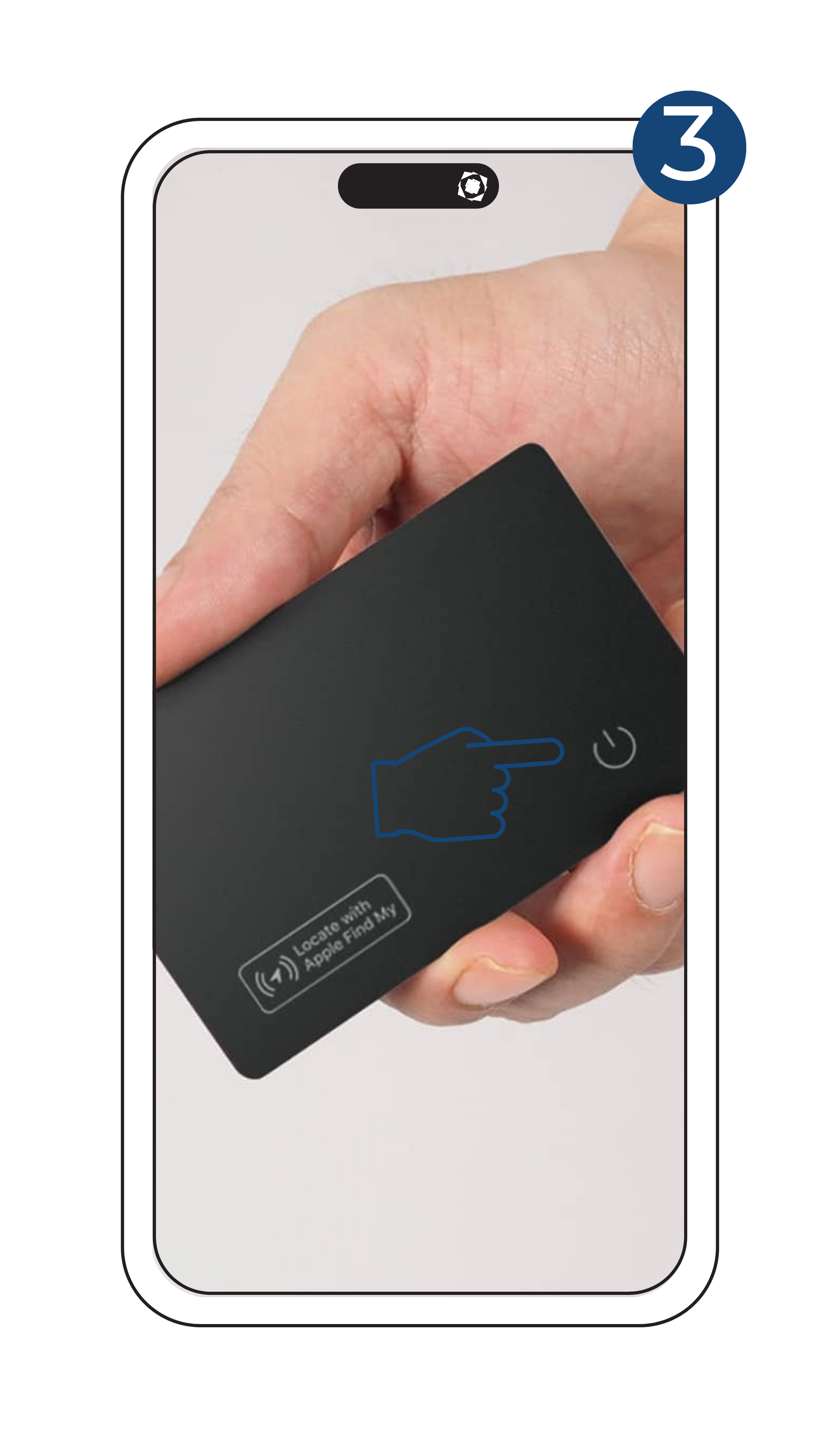
③ Tap On your Tracking Card
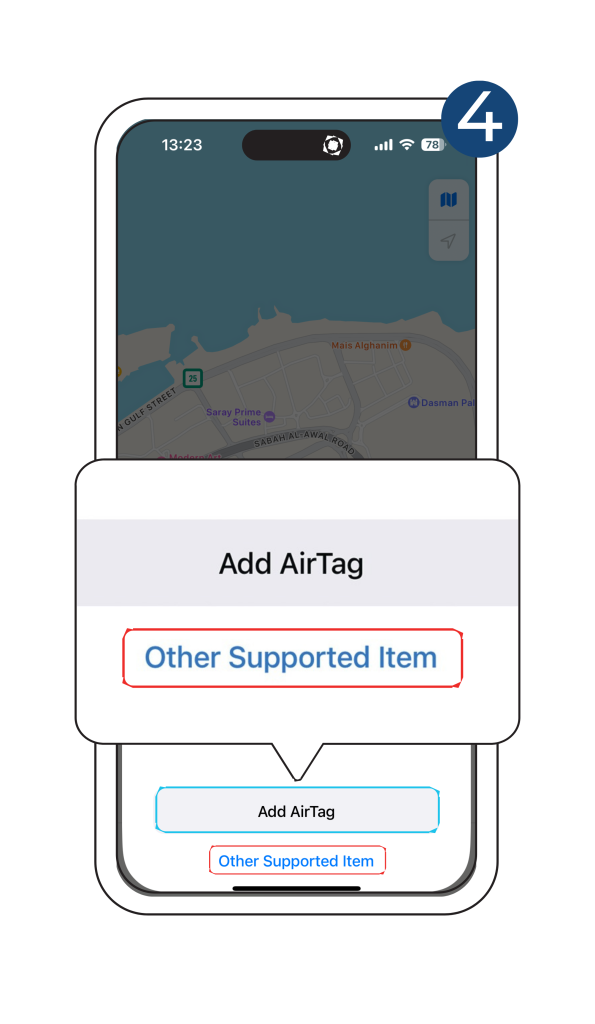
④ Tap 'Other Supported Item'
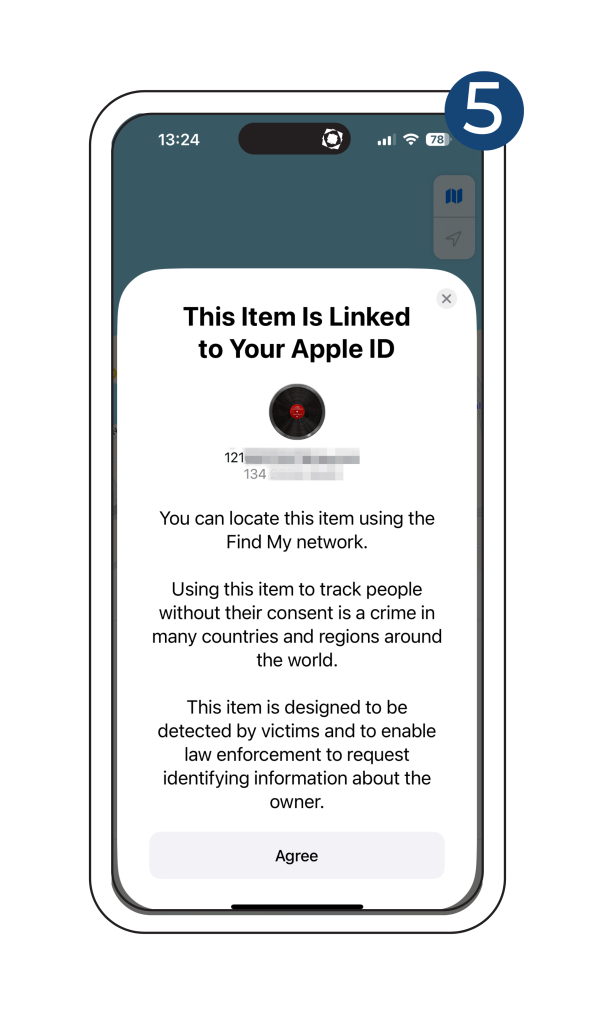
⑤ Link to Your Apple ID
Android Tag Manual
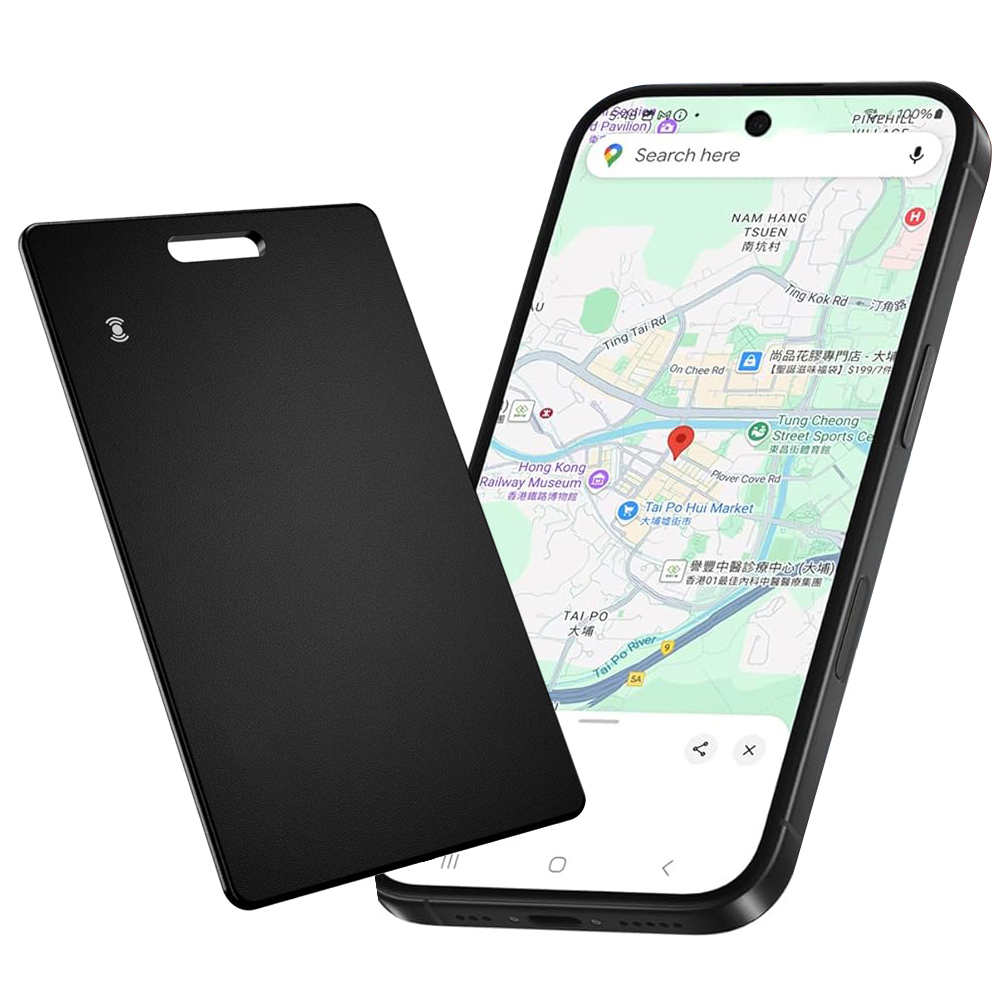
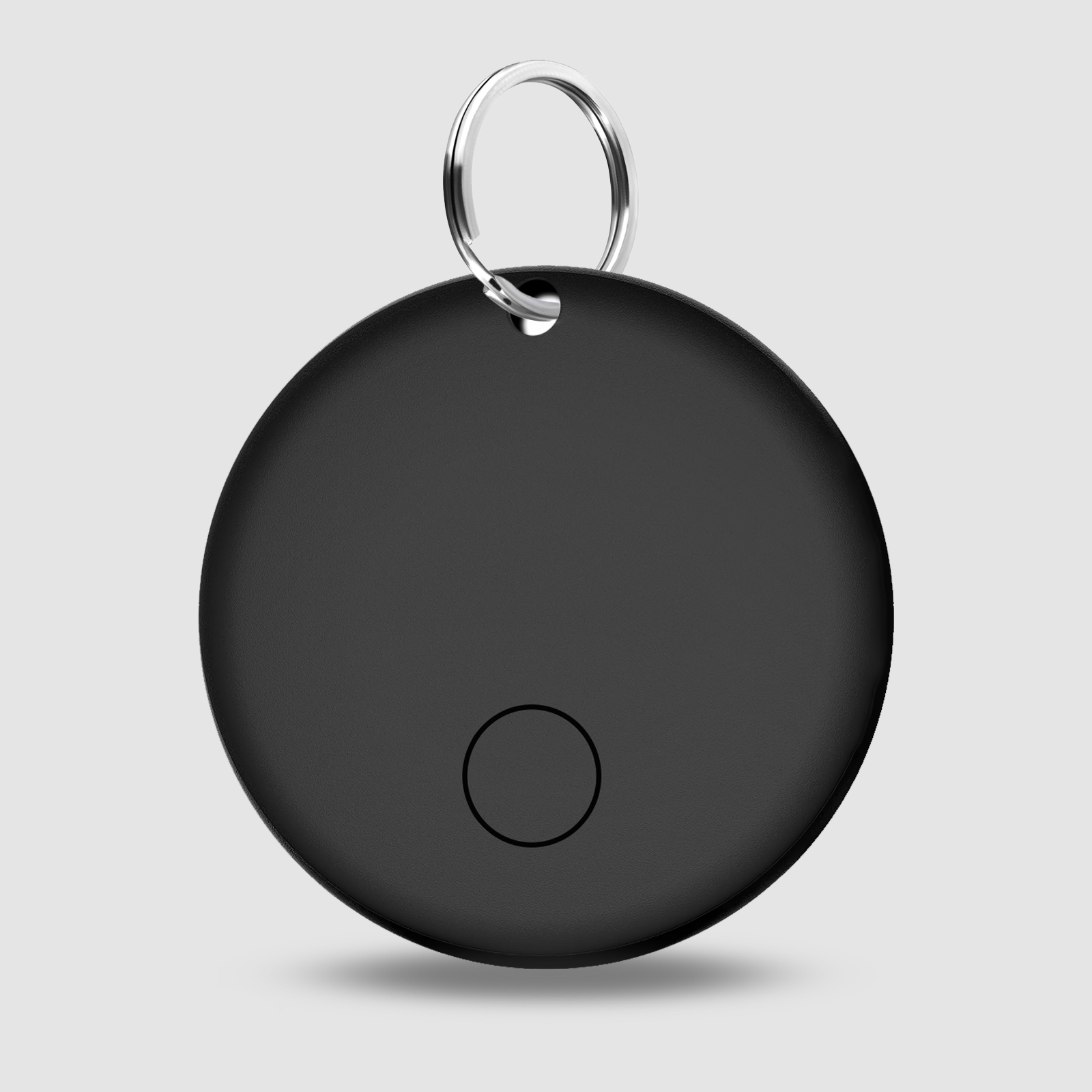
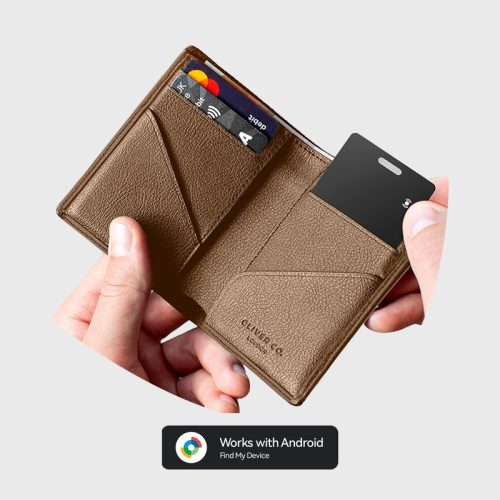
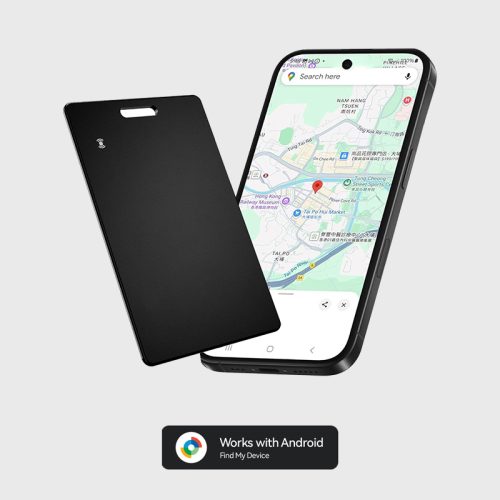
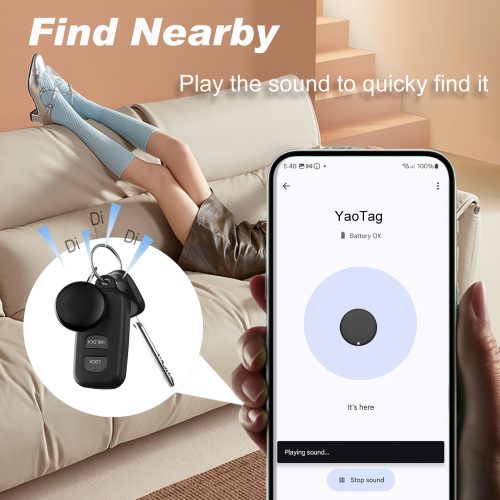
Follow these simple steps to connect your Android Tag.
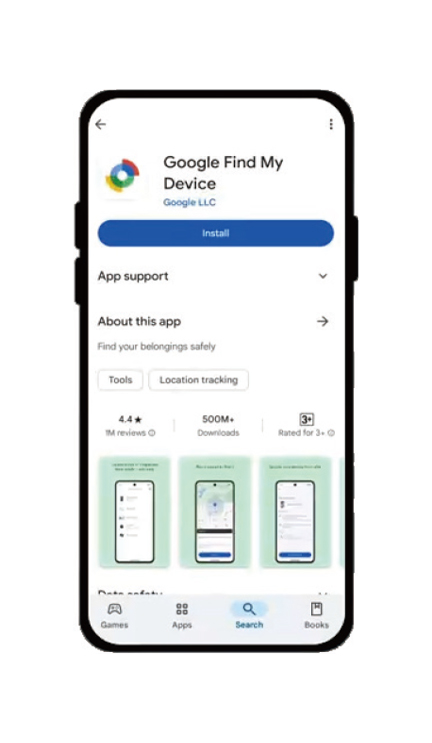
① Update the 'Google Find My Device' app to the latest version.
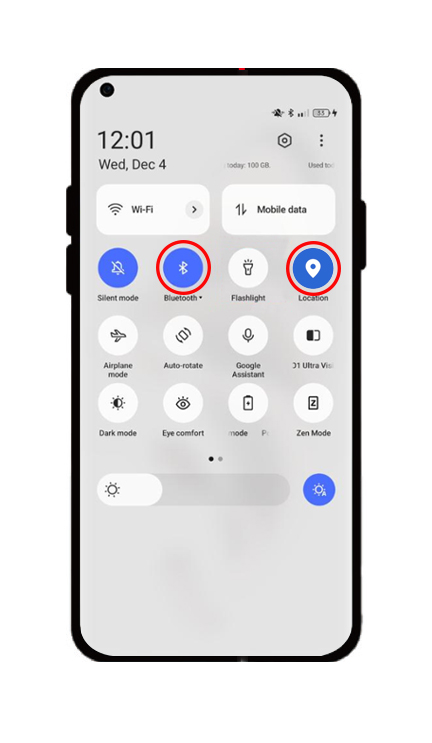
② Open the Bluetooth and location function.
③ Press the power button for about 3s to turn on your YaoCard.
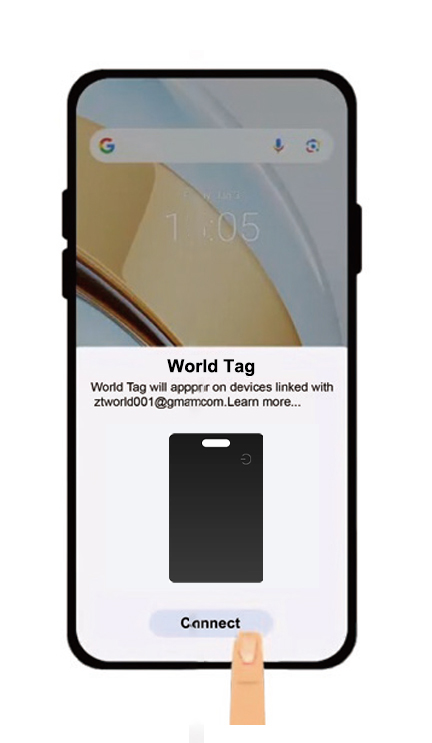
④ Tap on the 'connect' in the appeared pop-up.