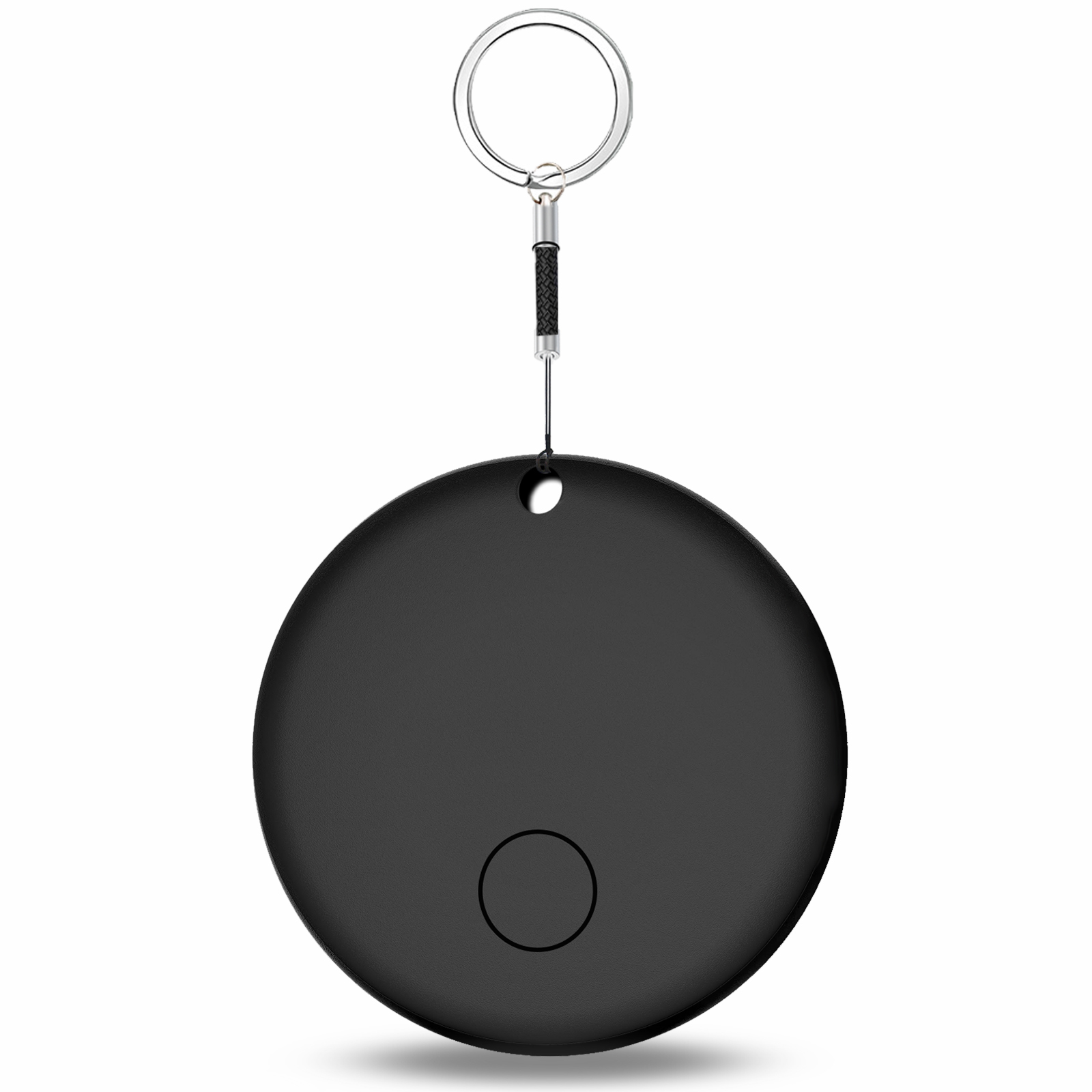
YAOTAG

Limited time deal :Buy 2, Get 1 Free!

iOS Tag Manual

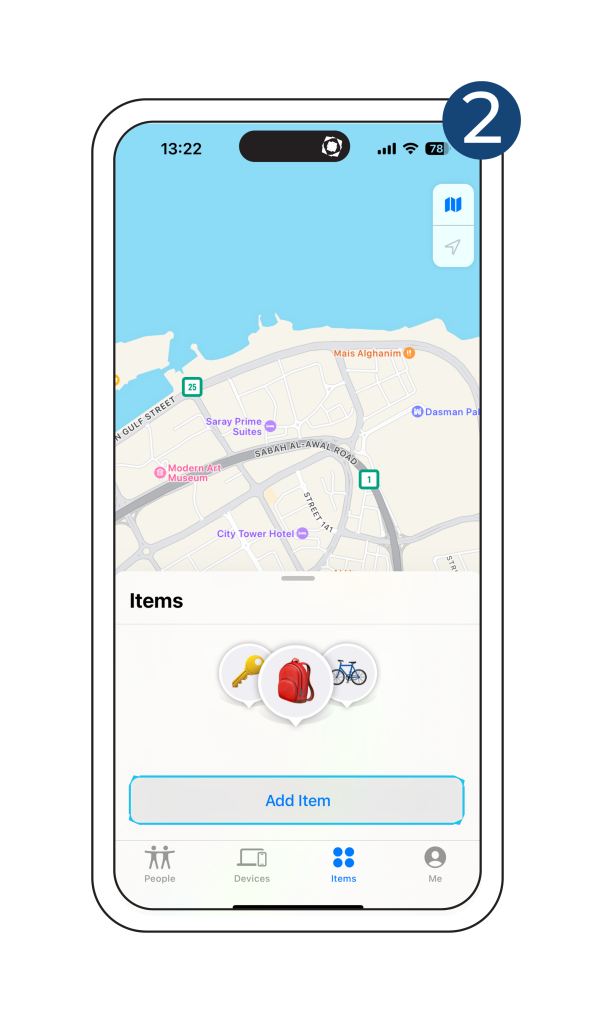
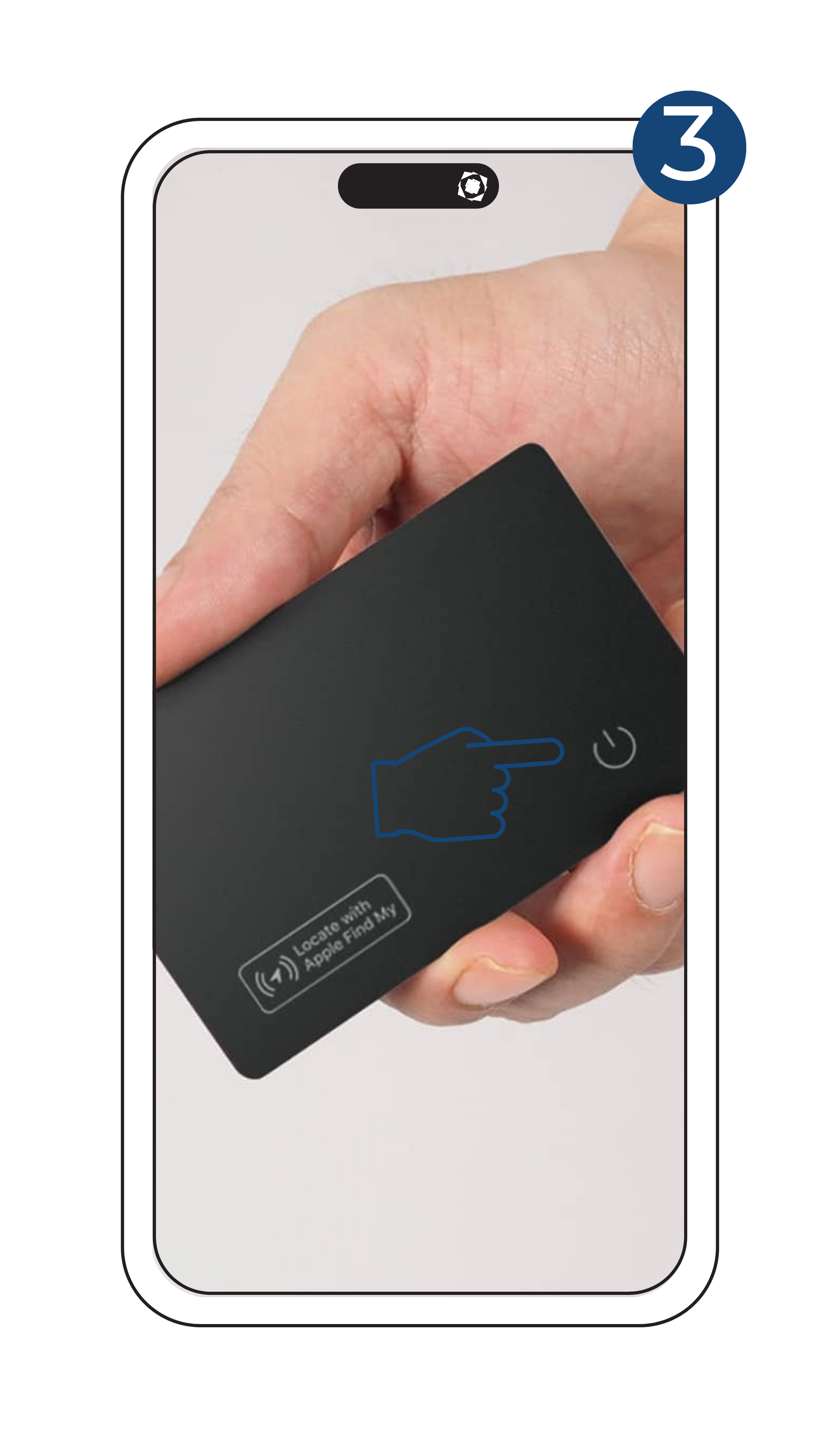
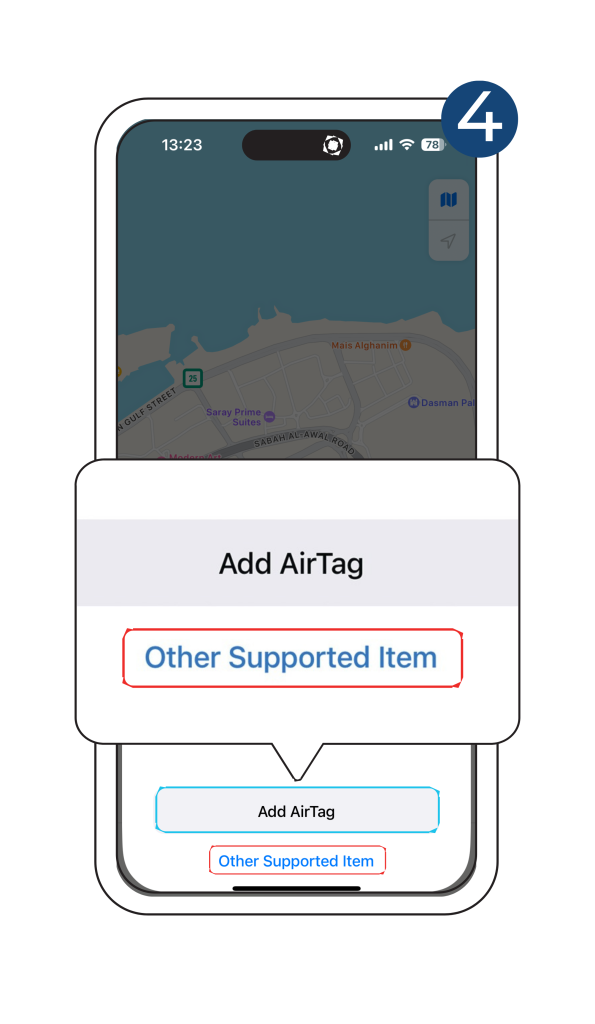
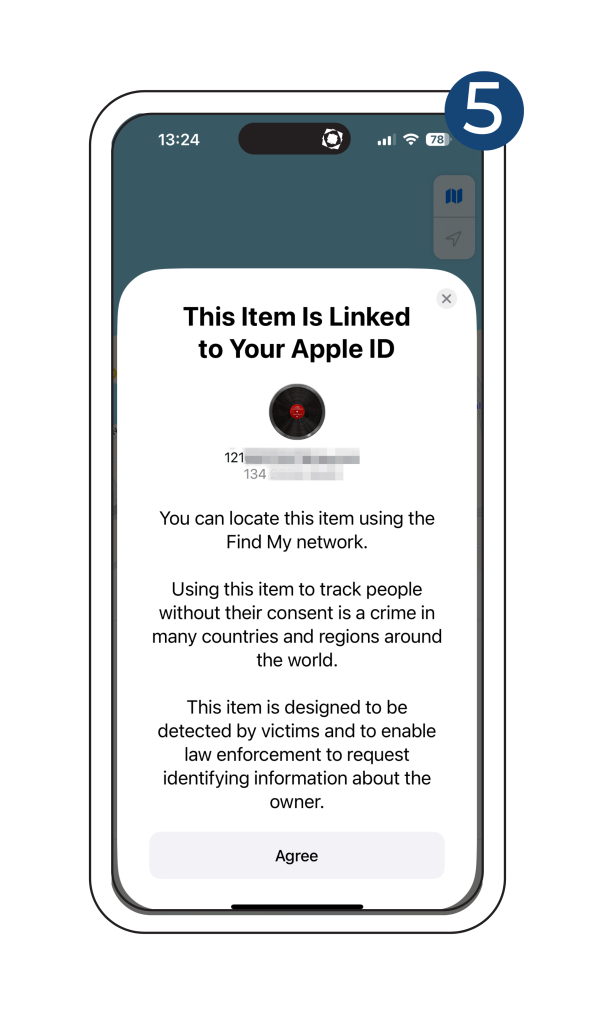
Follow these simple steps to connect your iOS Tag.
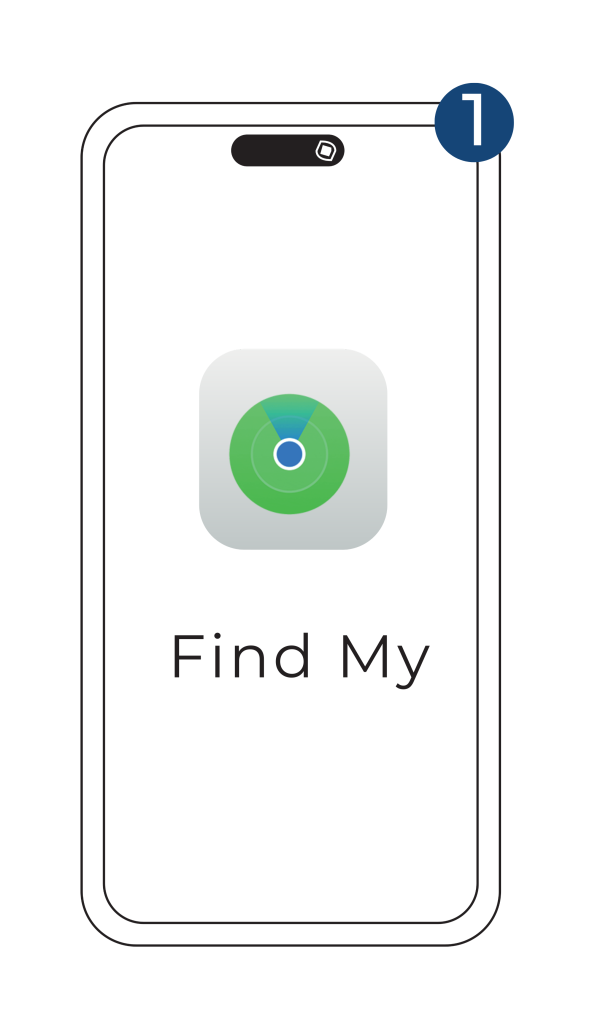
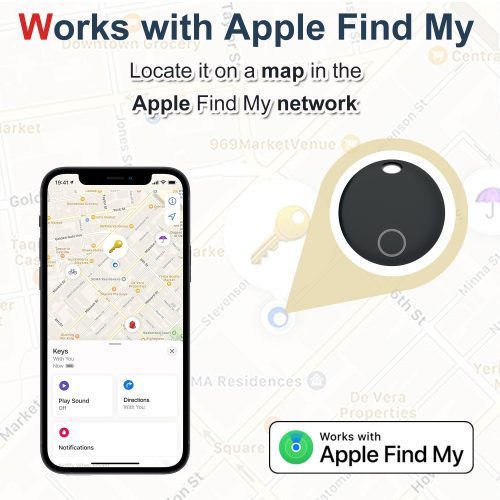
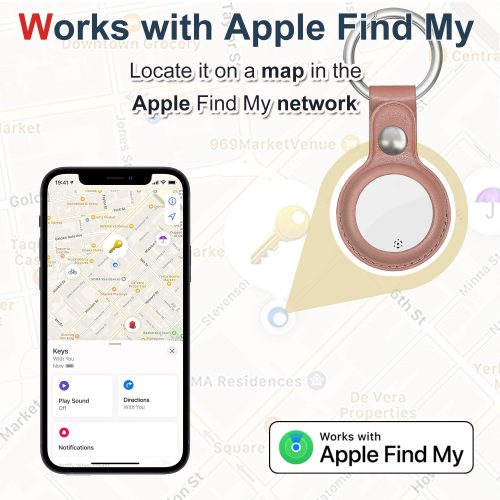
  • Find Item Locator Tap “Play Sound” to make your Item Locator beep when it is nearby.
  • Find your Item Locator’s location Your Item Locator’s last known location will appear on the map as emoji you choose during set up, tap “Directions” to avigate to the last known location.
  • Enable the “Notify When Left Behind” toggle, you will receive a notification when you leave your Item Locator behind and it is no longer in range of your device.
  • Enable the “Notify when Found” toggle, when your Item location is seen by another Find My enabled device, you will receive a notification of its updated location.
  • Note: ” Notify When Found”can only be activated when your Item Locator is out of range.
  • When Your Item is Lost Under “Lost Mode”, tap the “Enable” tab, a screen detailing Lost Mode will pop up, tab “Continue”. You can enter your phone number or email address and tap “Next”. You may enter a message that will be shared with the person that finds your item. Tap “Activate” to enable “Lost Mode”
  • Note: When “Lost Mode” is enabled, “Notification When Found” is automatically enabled.
  • Note: When “Lost Mode” is enabled, your Item Locator is locked and cannot be paired to a new device.

Ensure “Lost Mode” is disabled, tap “Remove Item” tab, a summary will open, tap “Remove” to confirm.

After successfully removing the Item Locator from the APP, press the Item Locator’s function button four times rapidly, and then hold it a fifth time until you hear a ringing chime, the Item Locator is now reset and ready to pair to a new device.

If your iPhone detects that an unknown Item Locator is traveling with you, it will send you a notification. A sound will start playing so you will be able to find it. These alerts are only activated when an Item Locator is not connected to its owner’s phone, so your partner’s Item Locator will not trigger a sound if they are with you.

Android Tag Manual

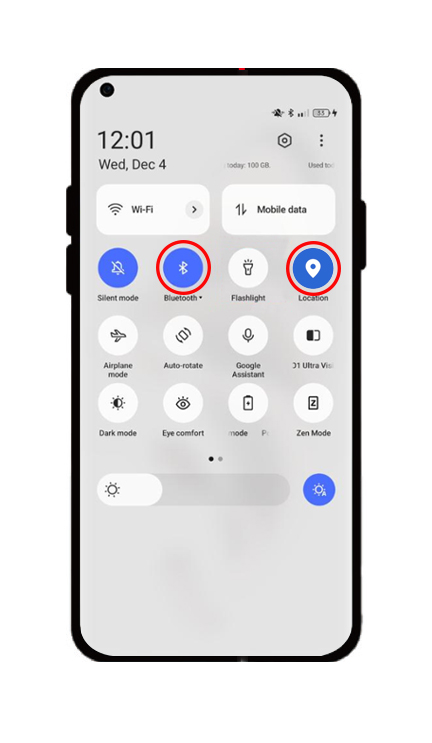
Follow these simple steps to connect your Android Tag.
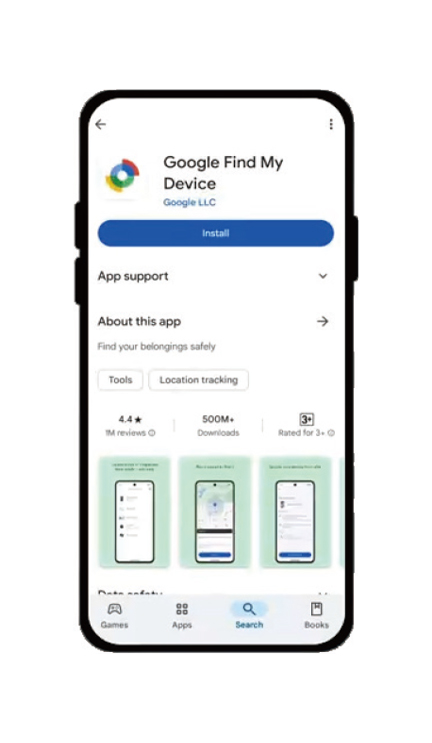
  1. Press the power button for about 5s to activate this device.
  2. Put the activated device close to your android device.
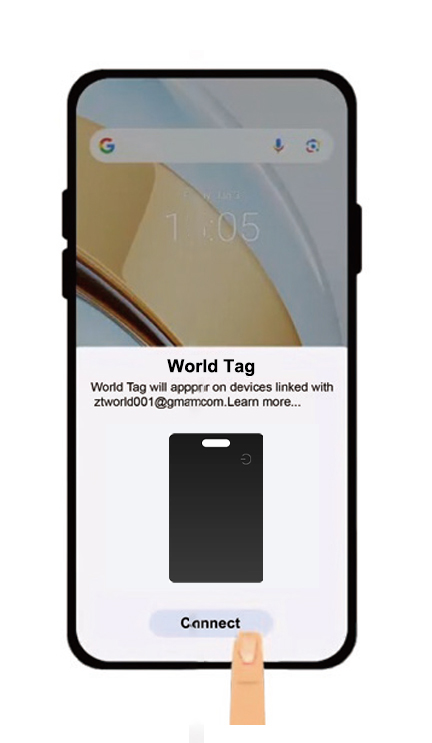
  3. One pop-up will appear on your screen,tap the “connect” in it.
  4. Follow the on-screen instructions, tap on the “Agree and continue”.
  5. And then ,tap on the “Done” to complete pairing and binding.
  6. In the “Google™ Find My Device”app,select this device to customize the device name and category

If you missed the fast pairing pop-up,you can set up it by manual.

  1. Open the “Settings” .
  2. To the “Google™”.
  3. Click on the “All Services”.
  4. In the “Connected Devices&sharing”menu,select “Devices”.
  5. Enable “Scan for nearby devices”.
  6. This device will appear in the list of available nearby devices.
  7. Click on it and follow the on-screen instructions to complete the connection.
In the “Google™ Find My Device”app,select this device and tap on “Mark as lost” to enble lost Mode.
Then add your contact information and you will be notified once it is lost and located by the Google™ Find my device network.

Lauching the “Google™ Find My Device”App ,and select this product ,then tap on the “Share Device”.

To remove this device from the bound android device firstly and reset it .
After complete this process,you can restart this product ,and then pair and bind it other android devices
Factory resetting
Press the power button four times rapidly, and on the fifth press, hold it down continuously until you hear the reset sound.

Once this device is left behind and it is no longer in the range of your android device,you will receive a pop-up notification on the screen of your android.

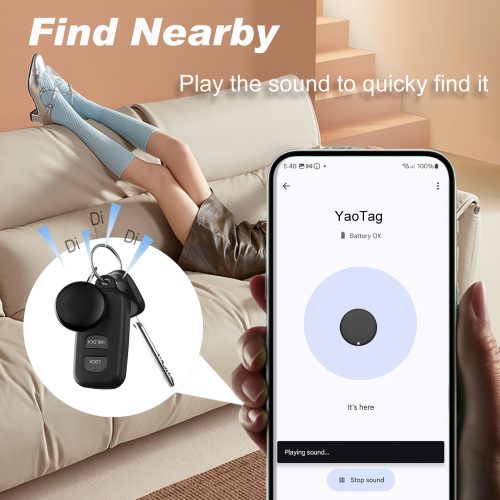
Launch the”Find my device”app,find the bound device from the list,and tap on the“Play Sound” on the present page to make it beep.
Look for this device following the sound and tap on the “Stop Sound” to stop the beeps once you find it .
To launch the “Find my device”app,navigate to the list and select this device byscrolling or tapping.
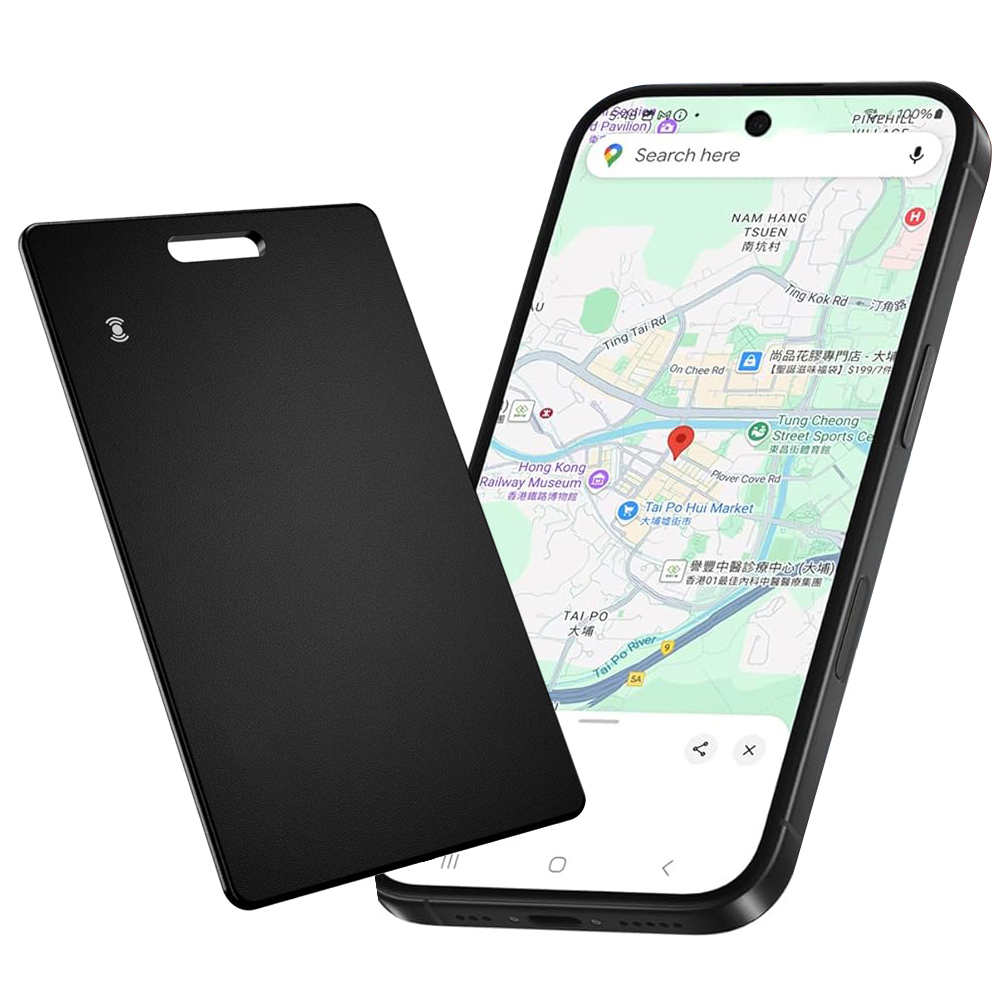
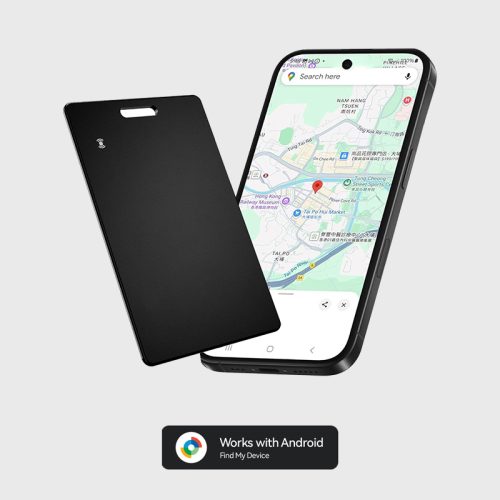
Upon selection, the screen presents a map interface that indicates either this device’s live location (if online) or its last known position (if offline). The map automatically adjusts its scale to focus on the area where this device is situated and displays a corresponding marker. Location updates occur in real time if this device is within the coverage of the Find My Device network (i.e., there are nearby Android devices assisting with location updates). Should the location not be updated, the screen will indicate “Last updated X minutes ago”.
Select the “Navigation” or “Directions” icon on the map, and the application will redirect you to Google™ Maps, providing detailed directions to the tracker’s location.

  • YAOTE Smart Tag

    Original price was: $45.99.Current price is: $39.99.

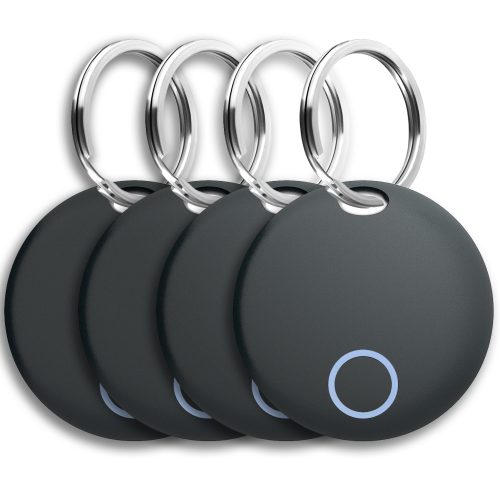
    YAOTE SmartTag for iOS

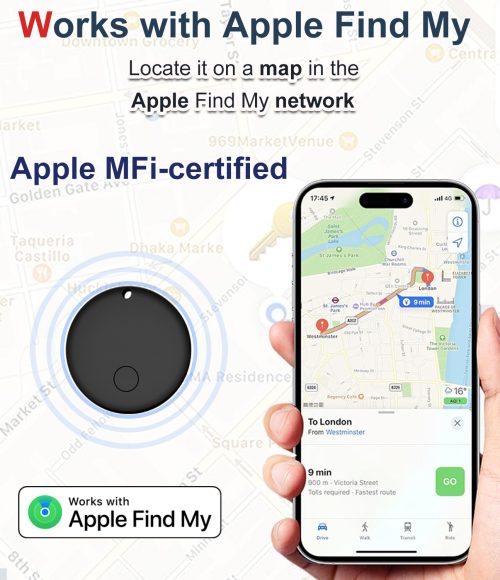
    Work With Apple Find My (iOS Only)

    Compatible with iOS only. Android version available below.

    Choose Version:

    Works With Apple

    Works With Android

    • Clear
  • YAOTE SmartCard for Android

    Original price was: $49.99.Current price is: $19.99.

    YAOTE SmartCard for Android

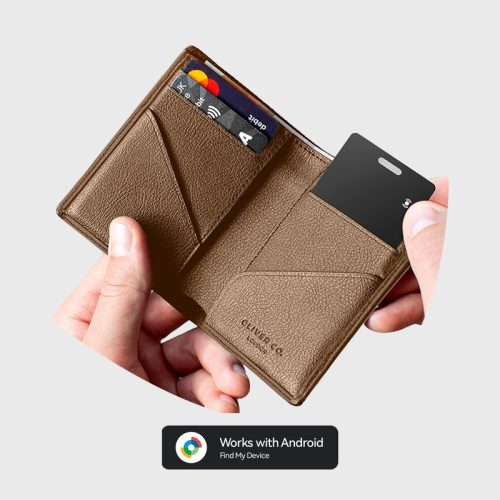
    Trusted by 100,000+ people, this smart tracking card keeps your wallet protected with Android Find Hub. One time payment, no subscription.

    Compatible with Android only. iOS version available below.

    Choose Version:

    Works With Apple

    Works With Android

  • Out of stock

    Luggage Tracker Tag(HB15)

    $15.99

    Luggage Tracker Tag (HB15)

    Prevent loss of things and no worry about forgetting important things

    Works with Apple Find My

    Note: Android Devices are not supported.

    Rechargeable Battery

    Replacing the battery once can provide 1 year of use

  • YAOTAG for Android

    $19.99$49.99

    YAOTAG for Android

    Works with Android Find Hub APP

    Compatible with Android only. iOS version available below.

    Choose Version:

    Works With Apple

    Works With Android

    • Clear
  • YAOTE Tracking card

    Original price was: $35.99.Current price is: $19.99.

    YAOTE Tracking Card

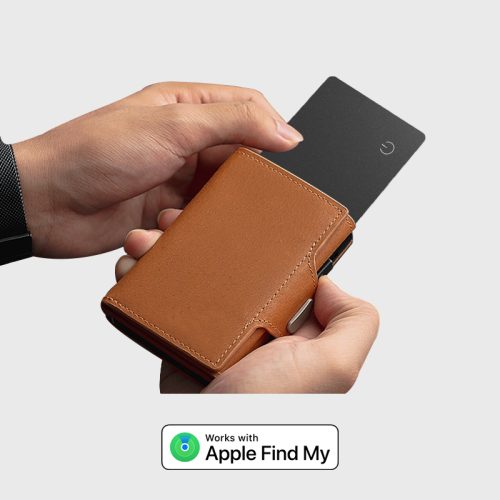
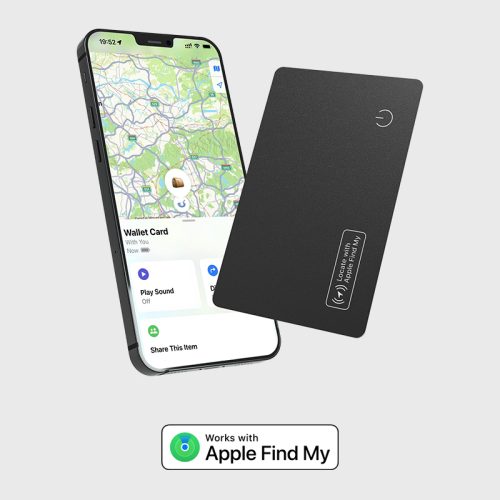
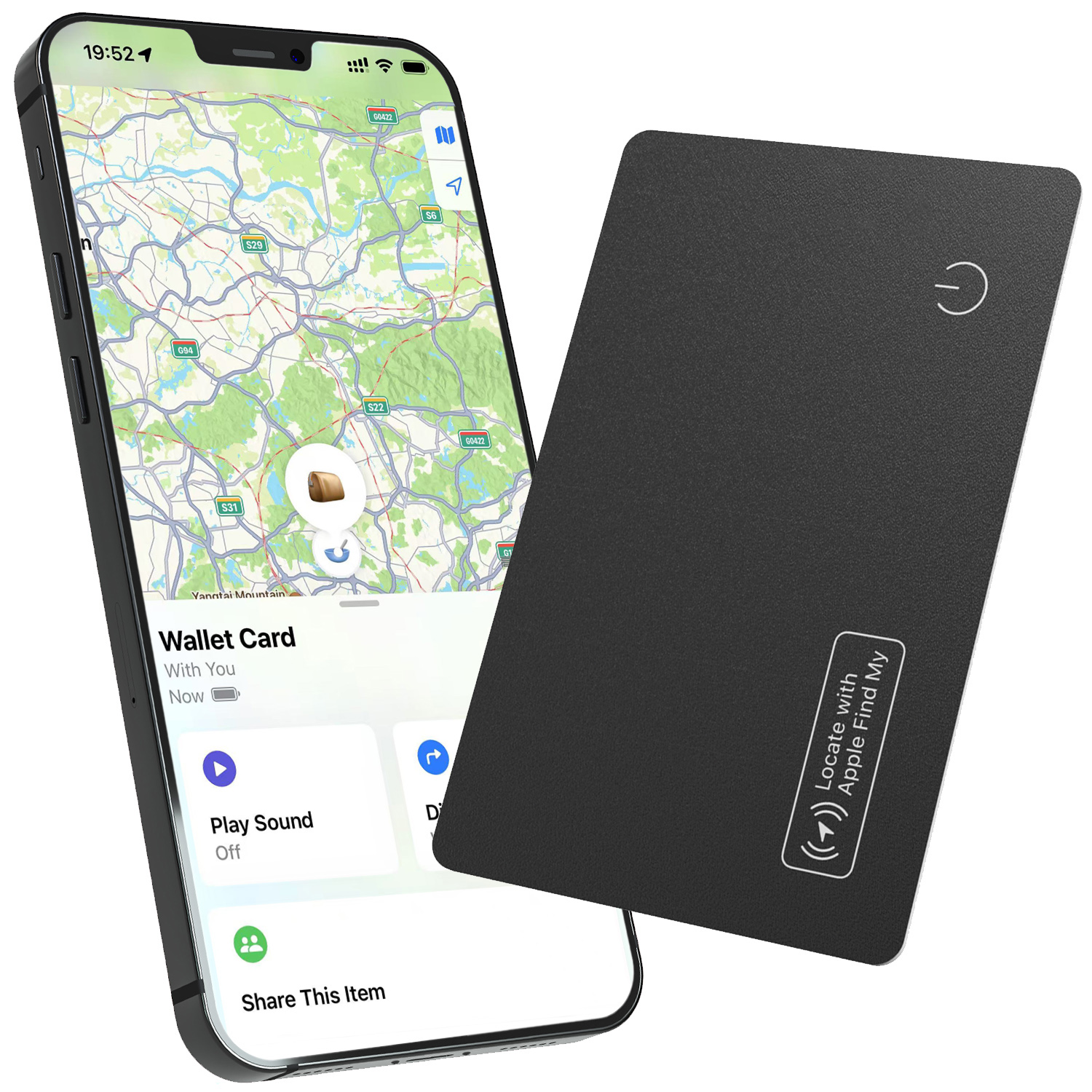
    Trusted by 100,000+ people, this smart tracking card keeps your wallet protected with Apple Find My . One time payment, no subscription.

    Compatible with iOS only. Android version available below.

    Choose Version:

    Works With Apple

    Works With Android

  • Out of stock

    YAOTE iTag – Work With Apple Find My (iOS Only)

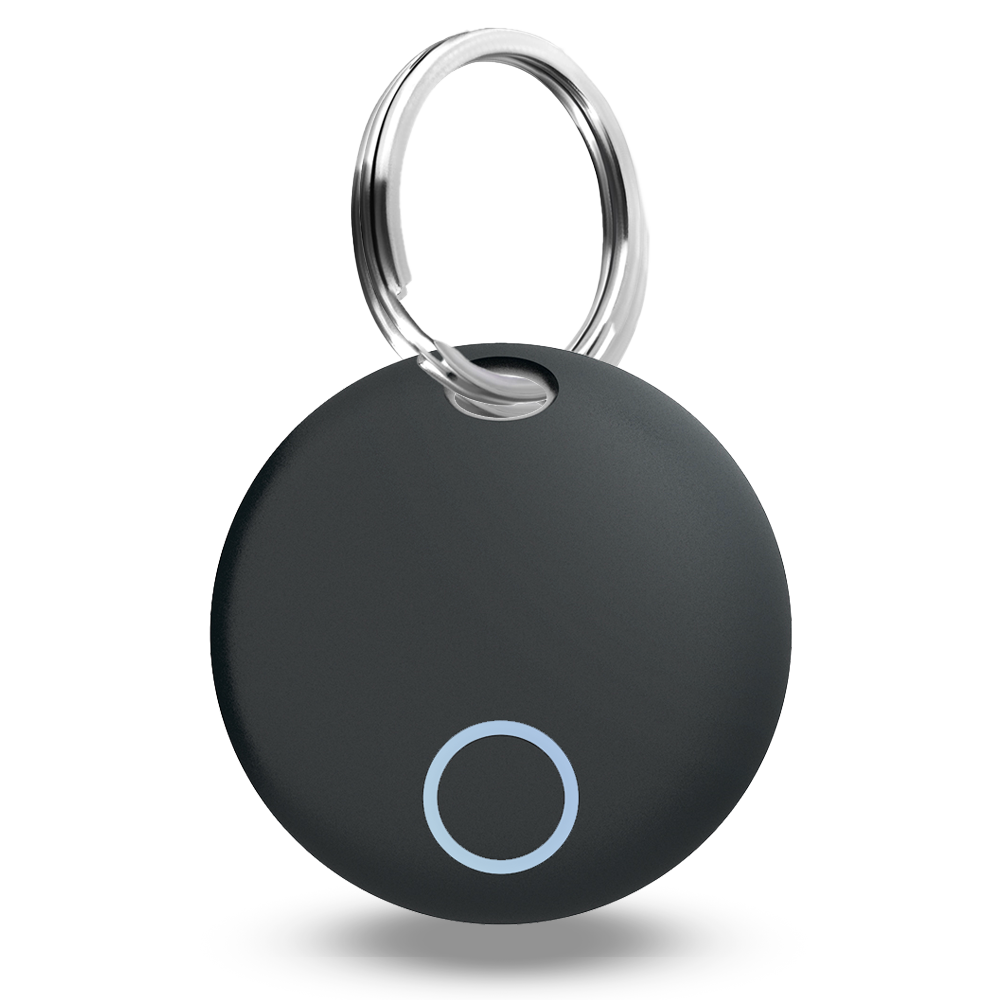
    A compact and versatile Bluetooth tracker designed to help you keep track of your valuable items.

    Mini Size

    The smallest alternative to AirTag

    Rechargeable Battery

    Replacing the battery once can provide a year of use

Title

Go to Top